Extra Options for Minimalio
Minimalio now brings a new child theme – Minimalist Photography Portfolio, that adds extra theme options, so that you can achieve the look of the demo, without any custom coding.
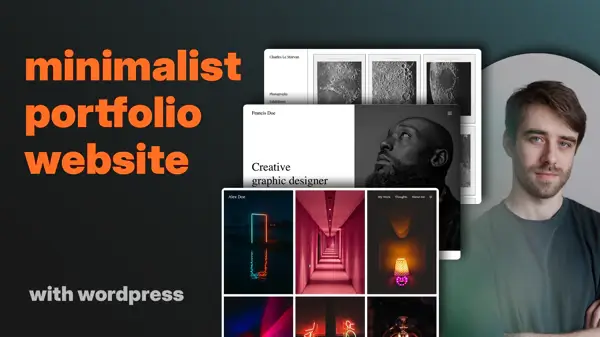
Video Tutorial
Demo
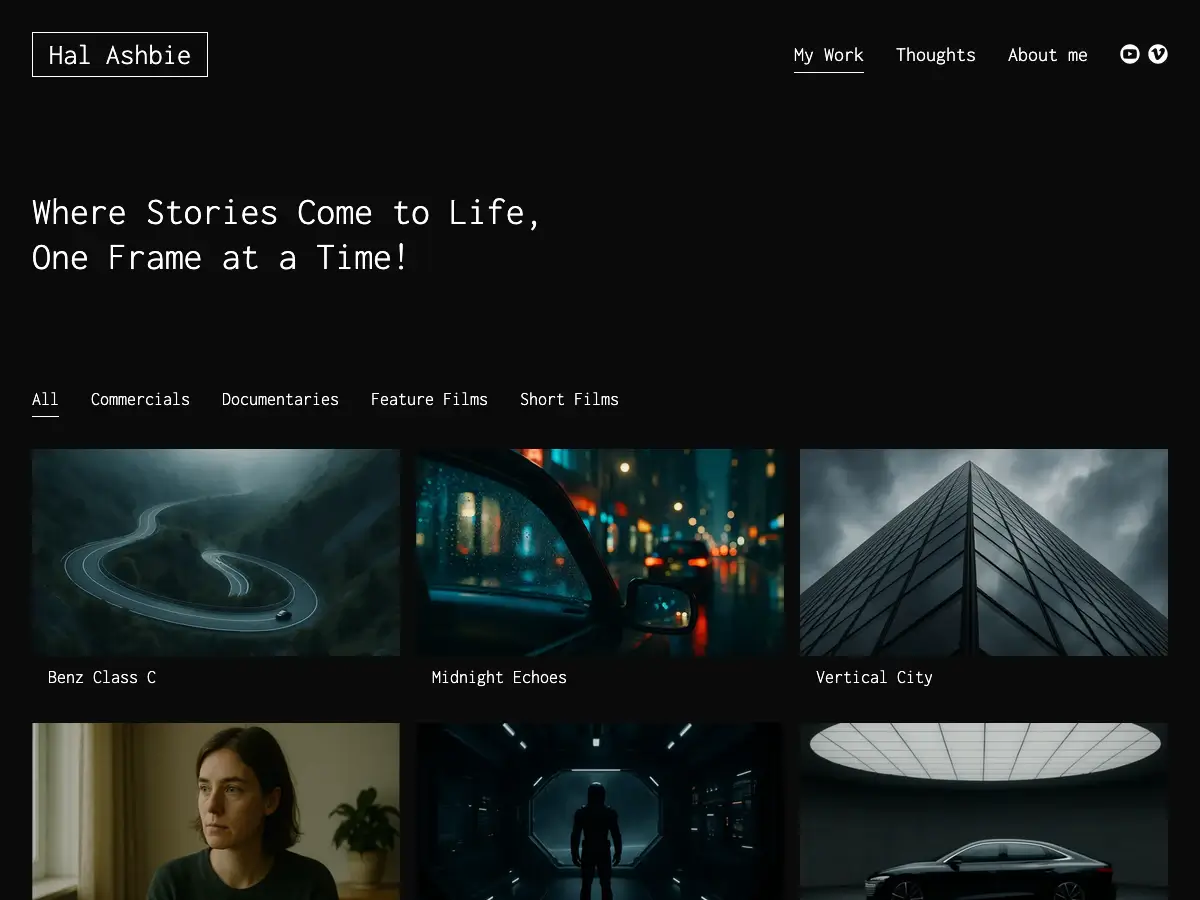
Please check out the demo – https://alex.minimalio.org/. And if you like it, you can import the Alex demo straight from your WordPress. This options in only available with Premium Plugin. More information in the video.

Free or Premium
Minimalist Photography Portfolio is completely free and all of its functions work in the free version. But the demo uses portfolios for its homepage, the social media buttons and if you would like to have your portfolios separated from your blog posts, please check out the Premium Plugin, that brings many very useful functions for achieving a professional portfolio page.
What does Minimalist Photography Portfolio bring
Minimalist Photography Portfolio is all about the transparent header over the portfolio and blog content. It’s specifically designed for making your website look like the demo, without any need for coding. Please check out the video to see how to achieve the look of the demo.
Home Page and Blog Archive Header Color
To be able to have a different header color for your homepage and your blog archive page, you can easily adjust those in the Minimalist Photography Porfolio settings.

Blog Post Card Body Color and Overlay Color
The theme brings a special look to the blog post cards, so that they appear slightly darker with the overlay, and on hover, they brighten up.

Portfolio Page and Single Portfolio Header Color
As with the homepage and blog archive page, you can change the header color for portfolio page and single portfolios.

Adjustments for Portfolio Post Cards
As with the blog post card, you can add an overlay to the post cards and adjust the color of the text on them.

Website examples


Video transcription
What is Minimalist Photography Portfolio?
Minimalist Photography Portfolio is a child theme of Minimalio that adds extra customization options to achieve a polished demo look without any coding required. This guide covers the essential setup steps.
Free vs. Premium Features
Minimalio is a freemium theme. The free version provides core functionality, while the premium plugin from Minimalio.org unlocks:
- Advanced theme options
- Portfolio section
- One-click demo import
- Direct email support
Quick Setup: Import the Demo
The fastest way to achieve the demo look is to import the Alex demo. This takes just two clicks and you’re done.
For WordPress beginners, check out the portfolio start-to-finish tutorial, Gutenberg content tutorial, and security/backup guides.
Content Preparation
Before configuring the theme, create your essential pages:
- My Work page – Uses the portfolio template
- Blog page – Uses the block template
- Add posts and portfolio items
- Set up a primary menu with your main pages
In Settings, designate the My Work page as your homepage.
Theme Layout Configuration
Navigate to Minimalio Options and configure each section:
Theme Layout
- Set full-width container
Typography
- Select your desired font (demo uses Quattrocento)
- Choose font weight and main font color
Header Settings
- Enable full-width container
- Enable transparent header
- Set header menu color to black
The child theme creates different header colors for different page types—black for homepage, portfolio, and blog archive, versus white for standard content pages and single posts.
Footer
- Enable full-width container
Blog & Portfolio Settings
Blog Configuration
- Disable category filtering
- Enable “load more on scroll”
- Set blog archive to 3 columns
- Choose card style: Free
- Set image aspect ratio to 9:16
Portfolio Configuration
- Disable filtering section
- Set 3 columns
- Use 9:16 aspect ratio
- Add social networks (optional)
- Enable lightbox with white background
- Select simple black arrow style
Mobile & Special Features
Mobile Menu
- Set breakpoint at 1,300 pixels
Minimalist Photography Options Configure the unique color scheme:
- Set white headers for: homepage, blog archive, portfolio page, and single portfolios
- Set black headers for: standard pages and single posts
Post Card Overlays Add hover effects with color overlays:
- Blog cards: white body with low-opacity black overlay
- Portfolio cards: white body with low-opacity black overlay
Additional Resources
All Minimalio options are explained in detail in the video tutorial series. Premium plugin users receive direct support for any issues or questions.