How to Add PDF/CV Link in WordPress

Summary

Adding a link to a PDF, most commonly a CV, is extremely easy if you know how to.

How to add a PDF/CV

  1. Add a PDF into your Media
  2. Copy the url of the PDF
  3. Add a text e.g. “Download CV” into your page
  4. Link the text to a url of the PDF

How to add a PDF/CV link in detail

First, you have to add your PDF into your website. You do that, as with any other image, you have to upload it into your media.

After that, you have to copy the link of the PDF you have just uploaded.

Next, you create a text or a button and use the link you copied. I would recommend using the “Open in new tab” in the advanced section of the link editing.

Here is an example of this “Download CV” button. https://fionaziegler.com/about-me/

Add a PDF straight to your website

Guteberg has a block called “File”, where you can put your PDF that will show right on your website. I personally wouldn’t recommend this, since every browser shows this differently and I don’t think it looks very good.

Good luck
M.


4th April 2025

Creator of Minimalio theme.

Latest

Minimalist Photography Portfolio Child Theme

Minimalist Photography Portfolio Child Theme

9th February 2026
How to Build a Minimalist Portfolio Website in WordPress (2026)
How to Build a Minimalist Portfolio Website in WordPress (2026 Complete Guide)

How to Build a Minimalist Portfolio Website in WordPress (2026)

3rd February 2026
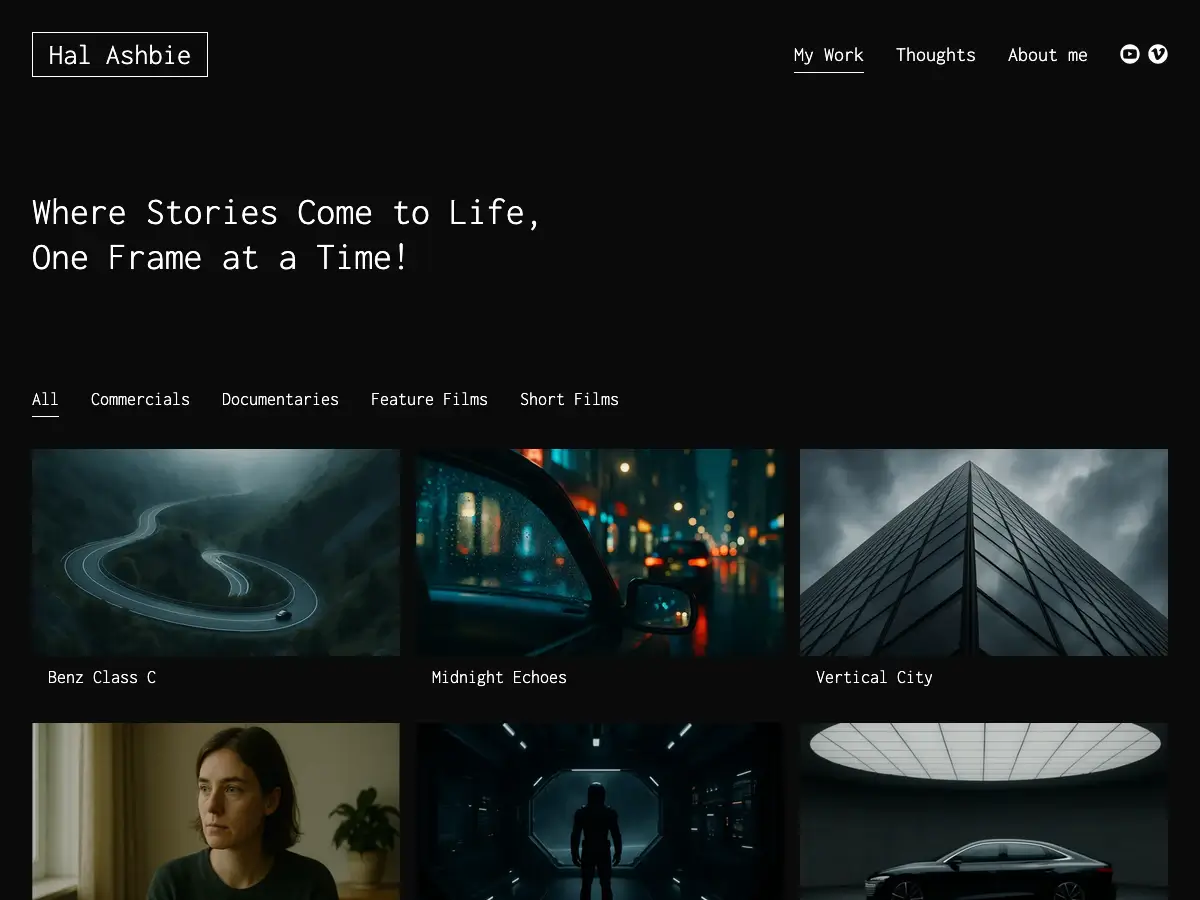
Video Film Portfolio Child Theme
Video Film Portfolio Child theme screenshot.

Video Film Portfolio Child Theme

13th January 2026
Best Portfolio WordPress Themes for 2026

Best Portfolio WordPress Themes for 2026

30th December 2025
Minimalist Portfolio Themes for Videomakers
WordPress Themes for Videomakers.

Minimalist Portfolio Themes for Videomakers

12th December 2025
8 Minimalist WordPress Themes for Graphic Designers
Minimalist WordPress Themes for Graphic Designers.

8 Minimalist WordPress Themes for Graphic Designers

18th October 2025